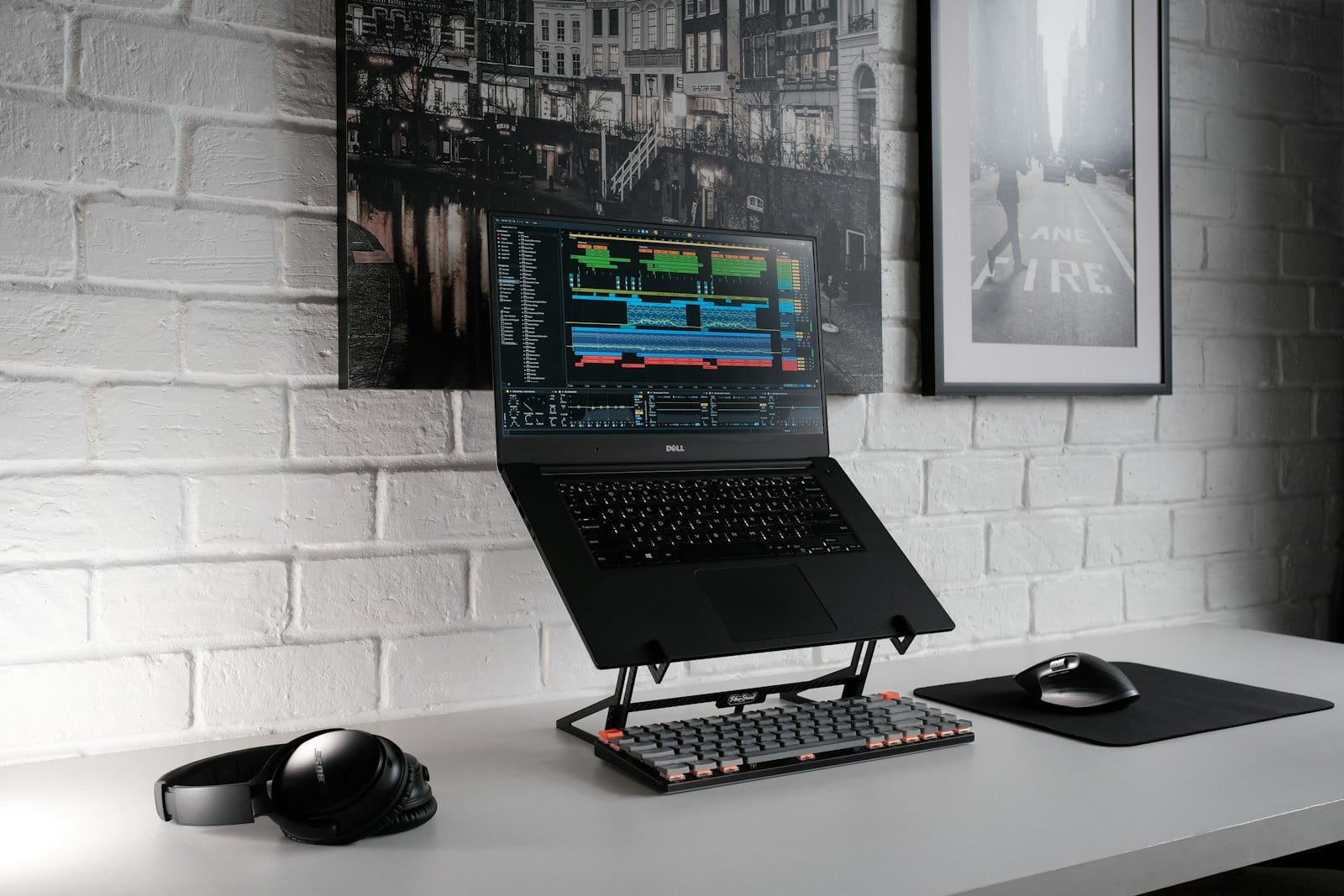
The Short Answer: A riser desk—often called a desk converter—is a portable workstation that sits on top of your existing furniture. It uses a manual or motorized lifting mechanism to let you transition between sitting and standing without replacing your current desk.
If you have spent any significant amount of time hunched over a laptop, you probably know the “office slouch” all too well. Your neck gets stiff, your lower back starts humming with a dull ache, and by 3:00 PM, your energy levels are basically in the basement. You’ve likely heard that standing more is the solution, but not everyone wants to haul a heavy, expensive motorized table into their home office. That is exactly where a riser desk comes into play.
Think of it as the “middle ground” of ergonomic furniture. It offers the health benefits of a standing desk but keeps things simple by working with the furniture you already own and love.
Why People are Swapping to a Riser Desk
The modern workday has become incredibly sedentary. Research published by the Mayo Clinic suggests that sitting for long periods is linked to a cluster of health concerns, including increased blood pressure and high blood sugar. A riser desk acts as a literal bridge between your sedentary habits and a more active lifestyle.
Unlike a full standing desk, which requires you to disassemble your entire setup, a riser is ready to go right out of the box. You place it on your kitchen table, your cubicle, or your heirloom oak desk, and suddenly you have a height-adjustable command center.
How a Riser Desk Actually Works
Most people assume these are just “boxes” you put your monitor on, but the engineering is a bit more sophisticated than that.
- The Base: A heavy, weighted steel or aluminum frame that ensures the unit doesn’t wobble when you’re typing.
- The Desktop: The primary surface where your monitors sit.
- The Keyboard Tray: Usually tiered lower than the main surface to keep your elbows at a 90-degree angle.
- The Lift Mechanism: This is usually gas-spring assisted (like the hatch of a car) or electric, making the upward motion feel weightless.
Different Types of Riser Desks
Choosing the right model depends on how much gear you have and how much effort you want to put into moving it.
1. Gas Spring Risers
These are the most common. You squeeze a handle on the side, and the internal pneumatic springs do the heavy lifting for you. They are fast, quiet, and don’t require a power outlet.
2. Electric Converters
If you have multiple heavy monitors or simply want the luxury of pushing a button, electric models are the way to go. They plug into the wall and move up and down with a smooth, motorized glide.
3. Z-Shape vs. X-Frame
This refers to how the desk expands. A Z-shape moves slightly forward as it rises, while an X-frame (or vertical lift) moves straight up and down. If you have a small office, the vertical X-frame is usually a better space-saver.
Practical Examples of Using a Riser Desk
To get the most out of your setup, it helps to see how it fits into a real routine. It isn’t just about standing all day—that can be just as tiring as sitting.
- The Morning Sprint: Start your day standing for the first 45 minutes while you clear out emails. It wakes up your legs and gets the blood flowing.
- The Post-Lunch Slump: Instead of nodding off after a heavy meal, raise the desk. Standing helps regulate blood sugar levels after eating.
- The Focused Deep Work: When you need to dive into a complex spreadsheet or creative project, sitting might feel more natural. Simply squeeze the lever and transition back down in three seconds.
Common Mistakes to Avoid
Even with the best equipment, you can still end up with a sore back if you use it incorrectly.
- Standing Too Long: Don’t try to stand for eight hours on day one. Start with 15-minute intervals and build up.
- Wrong Keyboard Height: Your keyboard should be at a height where your wrists are flat, not tilted up or down.
- Locking Your Knees: Always keep a micro-flex in your knees to avoid putting pressure on your joints.
- Static Feet: Standing still is tough on the body. Shift your weight or use an anti-fatigue mat.
Pros and Cons of Choosing a Riser
| Feature | Pros | Cons |
| Cost | Much cheaper than buying a full standing desk. | High-end models can still be pricey. |
| Installation | Usually comes fully assembled. | Can be heavy to lift onto the desk initially. |
| Space | Fits on almost any existing surface. | Takes up a significant portion of your desk “real estate.” |
| Portability | Can be moved to a different room if needed. | Not exactly “lightweight” for daily travel. |
Step-by-Step: Setting Up Your Riser Desk for Success
- Clear your surface: Remove everything from your current desk to ensure the riser sits perfectly flat.
- Check your cables: Ensure your monitor and mouse cables have enough “slack” to reach the highest standing position without snapping.
- Position the monitor: The top third of your screen should be at eye level when standing.
- Test the tension: If your riser has a tension adjustment, turn it until the desk stays in place but moves easily when you pull the lever.
- Add a mat: Place an anti-fatigue mat on the floor. This is the “secret sauce” for comfortable standing.
Why Ergonmics Matter for Long-Term Health
Ergonomics isn’t just a buzzword used to sell fancy chairs; it’s the science of fitting a workspace to the user’s needs. According to the Occupational Safety and Health Administration (OSHA), proper workstation setup is essential to prevent musculoskeletal disorders. A riser desk is a primary tool in this effort because it encourages “dynamic working”—the act of moving throughout the day.
When you use a riser, you aren’t just standing; you are engaging your core, improving your posture, and potentially increasing your focus. Many users report that the simple act of standing up acts as a “mental reset,” helping them push through a difficult task.
Frequently Asked Questions
Does a riser desk wobble when you type?
Higher-quality models with a weighted base are very stable. However, if you use a very cheap, lightweight model and extend it to its maximum height, you might notice a slight vibration. Choosing a model with a solid steel frame usually solves this.
Can I use two monitors on a riser?
Yes, most standard risers are designed to hold two 24-inch monitors. Just be sure to check the weight capacity of the unit, as electric or gas-spring models have a limit (usually between 30 and 45 pounds).
Is a riser better than a full standing desk?
It depends on your situation. If you already have a high-quality desk you love, a riser is better. If you are building an office from scratch and want a completely clean, minimalist look, a full height-adjustable desk might be the better choice.
How high should the desk go?
When standing, your elbows should be at a 90-degree angle to the keyboard tray. Most risers provide about 15 to 20 inches of lift, which is plenty for anyone under 6’4″.
Will it scratch my existing desk?
Most reputable brands include non-slip padding or rubber feet on the bottom of the riser to protect your furniture.
Is it worth the investment?
If you consider the cost of physical therapy for back pain versus the cost of a desk converter, the investment pays for itself quickly. It is one of the most cost-effective ways to upgrade your health at work.