Mastering Control: A Guide to Magnavox Universal Remote Codes
The first step to hassle-free home entertainment is using the right Magnavox universal remote codes to program your devices. Whether you’re syncing your remote to a TV, DVD player, soundbar, or streaming device, these codes are the key to turning a cluttered coffee table full of remotes into a simplified, seamless control system.
Magnavox, a trusted brand in electronics, offers universal remotes that are compatible with hundreds of brands. But without the correct programming codes, your remote won’t function as intended. This guide will walk you through everything—from understanding how the remote works to locating and entering the right codes for your device.
Why Use a Universal Remote?
Before diving into the list of Magnavox universal remote codes, it’s worth exploring why universal remotes are so useful:
- Eliminates remote clutter
- Reduces battery usage
- Simplifies control for seniors or kids
- Offers quick access to multiple devices
Universal remotes are particularly useful for those managing a home theater system. Instead of juggling separate remotes for your TV, Blu-ray player, and soundbar, a single remote does it all.
Types of Magnavox Universal Remotes
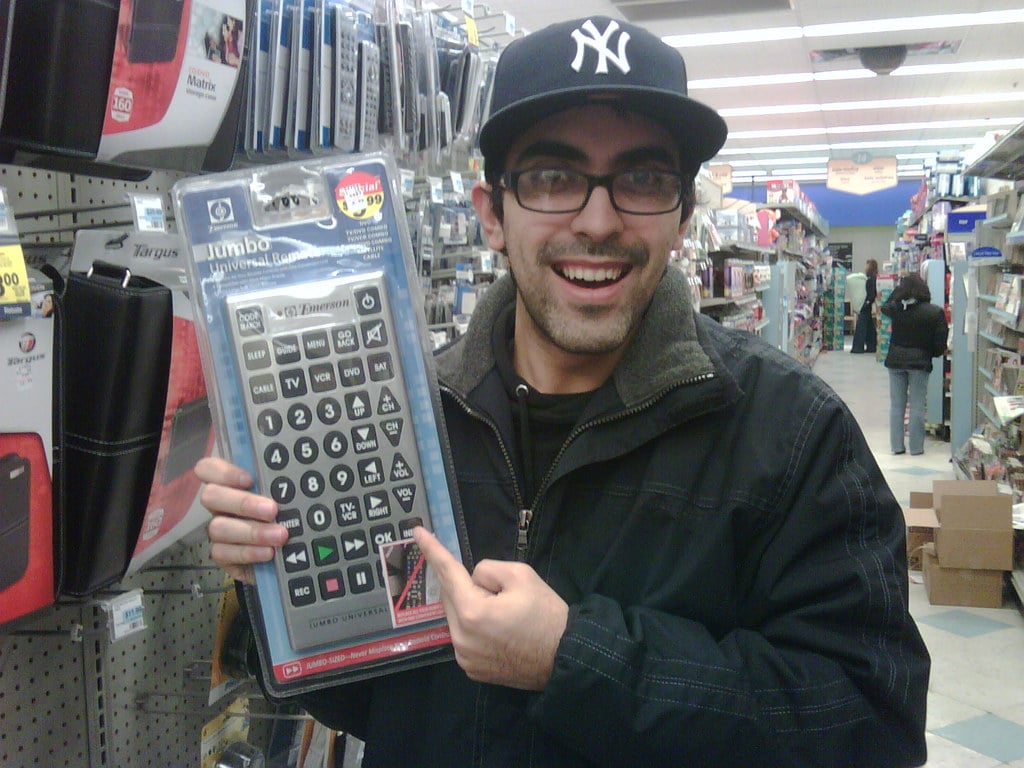
Magnavox offers a range of universal remotes, from basic models with limited features to advanced versions with learning capabilities and backlit keypads. Some popular models include:
- Magnavox NB092
- Magnavox MC345
- Magnavox NB887UD
- Magnavox MC348
Each remote may support a different list of devices, so it’s important to match your Magnavox universal remote codes to your specific model.
How to Program a Magnavox Universal Remote
Programming your Magnavox remote is straightforward, and you can do it in two main ways:
1. Using Direct Code Entry
This is the most reliable method. You manually input the code specific to your device’s brand.
Steps:
- Turn on the device you want to program.
- Press and hold the
Code SearchorSetupbutton until the indicator light turns on. - Press the device button (
TV,DVD,AUX, etc.). - Enter the appropriate 3, 4, or 5-digit code from the list of Magnavox universal remote codes.
- The indicator light will turn off if the code is accepted.
- Test the remote. If it doesn’t work, repeat the process with another code.
2. Auto Code Search
This method automatically searches for the right code.
Steps:
- Turn on the device.
- Hold down the
Setupbutton until the light stays on. - Press the device key.
- Press the
Powerbutton repeatedly until the device turns off. - Press
Enterto save the code.
Most Common Magnavox Universal Remote Codes
Below are the commonly used Magnavox universal remote codes, categorized by device type.
TV Codes
| Brand | Codes |
|---|---|
| Samsung | 006, 011, 014 |
| LG | 004, 009, 054 |
| Sony | 002, 006, 013 |
| Panasonic | 003, 008, 062 |
| Magnavox | 002, 006, 008 |
| Vizio | 019, 045, 059 |
| Sharp | 005, 009, 033 |
| Toshiba | 009, 015, 050 |
DVD Player Codes
| Brand | Codes |
|---|---|
| Sony | 053, 057, 065 |
| Philips | 050, 053, 071 |
| Magnavox | 050, 053, 059 |
| Panasonic | 040, 042, 051 |
| Toshiba | 038, 043, 069 |
| LG | 057, 059, 063 |
Cable Box Codes
| Brand | Codes |
|---|---|
| Comcast | 027, 032, 039 |
| Spectrum | 041, 045, 050 |
| Cox | 044, 049, 054 |
| DirecTV | 032, 038, 042 |
| Dish Network | 037, 040, 046 |
Audio System Codes
| Brand | Codes |
|---|---|
| Bose | 079, 082, 088 |
| Sony | 078, 081, 089 |
| Samsung | 074, 076, 083 |
| Yamaha | 075, 080, 087 |
| Magnavox | 077, 086, 091 |
Troubleshooting Magnavox Universal Remote Code Issues
Sometimes, even with the right code, your remote may not respond. Here’s what you can do:
- Double-check batteries – Weak or dying batteries can cause malfunction.
- Try another code – Some brands use multiple codes.
- Reset the remote – Remove the batteries and hold the power button for 10 seconds.
- Use the auto search method – It can detect a working code even if it’s not on your list.
Where to Find Your Remote’s Code List
If you’ve lost your user manual, you can still find a complete list of Magnavox universal remote codes:
- On the official Magnavox support website
- In the packaging or sticker at the back of the remote
- Printed inside the battery compartment
- Community forums and tech support blogs
Tips for Best Programming Results
To make the process smoother:
- Ensure the remote has a clear line of sight to the device
- Write down codes that work for future reference
- Don’t rush through code entry—go slowly
- Avoid programming under bright sunlight or near strong light sources
When to Upgrade Your Remote
If you’ve tried every code and still can’t sync your remote, your remote might be outdated. Newer devices may not be supported by older remotes. Consider upgrading to a newer Magnavox model or even a smart universal remote with learning features and wider brand compatibility.
Advantages of Using Magnavox Universal Remotes
Here’s why Magnavox remotes stand out:
- Affordability – Great value for budget-conscious users
- Compatibility – Works with a wide range of brands and models
- Ease of Use – Straightforward programming and layout
- Durability – Built to last longer than typical remotes
Alternatives to Magnavox Universal Remote
If you need smart features, voice control, or app integration, you might consider alternatives like:
- Logitech Harmony remotes
- GE Universal remotes
- RCA Universal remotes
- SofaBaton smart remotes
But if simplicity and affordability are your priorities, sticking with a Magnavox universal remote paired with the right codes will serve you well.
Conclusion: Take Control with the Right Magnavox Universal Remote Codes
Finding the correct Magnavox universal remote codes can significantly simplify your home entertainment setup. With just a few button presses, you can control multiple devices, save time, and eliminate clutter. Whether you’re syncing a TV, DVD player, or audio system, this guide offers everything you need to program your remote effectively.
Be sure to keep a list of your working codes, follow the correct procedure for your remote model, and stay patient—programming is usually quick once you get the hang of it.
If you found this guide helpful, consider bookmarking it or sharing it with friends or family who are also navigating their universal remote setup. With the right knowledge and a reliable list of Magnavox universal remote codes, your couch-surfing experience is about to become a lot more convenient.