Key Takeaways
Consumer cellular phones for seniors are affordable, easy-to-use mobile phones designed with large buttons, louder speakers, and simple features that prioritize ease and safety. These phones are often paired with flexible plans, great customer service, and options that suit various comfort levels with technology.
Why Consumer Cellular Phones for Seniors Make Sense
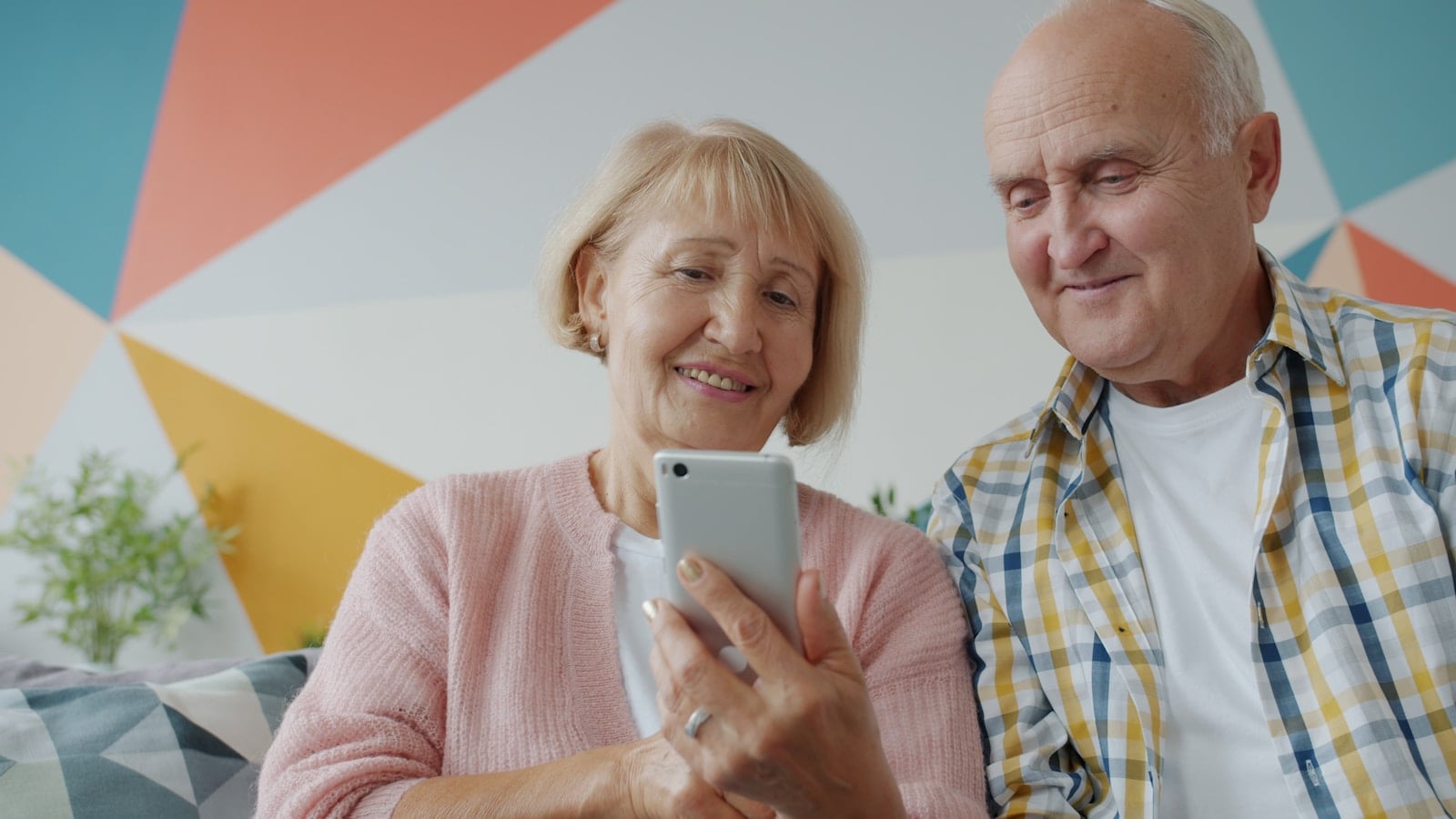
Consumer Cellular phones for seniors are specially tailored to meet the needs of older adults who want to stay connected without the complexities of modern smartphones. Whether it’s for emergency use, chatting with family, or texting a grandchild, these phones focus on usability over flash.
The best part? They’re backed by reliable service plans and excellent support that doesn’t overwhelm the user. From flip phones with oversized buttons to simplified smartphones with hearing aid compatibility, there’s something for everyone.
1. What Makes a Phone Senior-Friendly?
Not every mobile device suits older users. Here’s what seniors generally need in a phone:
- Large, readable screens
- Big, tactile buttons or intuitive touch interfaces
- Loud and clear audio with hearing aid compatibility
- Long battery life
- Easy navigation and simple menus
- Emergency call functions or medical alert support
Consumer Cellular has built its reputation on delivering these must-haves, without complicated contracts or unexpected fees.
2. Top Consumer Cellular Phones for Seniors
Here’s a breakdown of popular models available through Consumer Cellular, including key features and why they work well for older adults.
| Phone Model | Type | Key Features | Best For |
|---|---|---|---|
| GrandPad | Tablet/Phone | Large screen, video calls, email, safe browsing | Seniors who want to video chat |
| Doro 7050 | Flip Phone | Big buttons, bright screen, emergency button | Users who prefer simplicity |
| Motorola Moto G | Smartphone | Easy Mode, voice commands, good camera | Seniors learning smartphones |
| iPhone SE | Smartphone | VoiceOver, FaceTime, accessibility tools | Tech-savvy older adults |
| Consumer Cellular Link II | Flip Phone | Clear audio, durable, text and calls | Budget-conscious users |
Each phone can be paired with Consumer Cellular’s customizable plans, making them a cost-effective solution too.
3. Why Choose Consumer Cellular?
Here’s what sets Consumer Cellular apart from other providers:
- No contracts
- AARP discounts (5% off monthly fees and usage charges for AARP members)
- Award-winning customer support
- Flexible plans starting at low prices
- Support for both basic phones and advanced smartphones
According to PCMag, Consumer Cellular has consistently ranked high for customer satisfaction due to its ease of use and budget-friendly pricing.

4. How to Choose the Right Phone for a Senior
Choosing the right phone can be a breeze if you keep the following steps in mind:
Step-by-Step Guide:
- Assess Comfort with Technology
Is the user comfortable with touchscreens, or would a physical keypad be better? - Check Hearing & Vision Needs
Look for hearing aid compatibility (HAC) and adjustable font sizes. - Consider Mobility & Dexterity
Phones with larger buttons and grippy surfaces are ideal. - Decide on Core Usage
Will it be used for calls only, or will they need texting, email, and apps? - Test Customer Support
Make sure there’s responsive assistance available by phone. - Review Plans & Costs
Choose a plan that fits usage without unnecessary extras.
5. Pros and Cons of Consumer Cellular Phones for Seniors
Pros:
- Affordable, no-contract plans
- Great selection of easy-to-use phones
- Senior-focused features
- Excellent support and AARP member perks
Cons:
- Limited in-person retail availability
- Basic phones may lack app functionality
- Some smartphones may require learning curve
6. Practical Scenarios: Matching Phones to Real Needs
Scenario 1: Mary, 78, just wants to call her daughter and occasionally send a text.
Ideal pick: Doro 7050 — A flip phone with big buttons and loud audio.
Scenario 2: John, 70, likes checking sports scores and doing FaceTime with grandkids.
Ideal pick: iPhone SE — A compact smartphone with intuitive accessibility.
Scenario 3: Linda, 83, lives in assisted living and wants a screen big enough for reading and video chats.
Ideal pick: GrandPad — A secure, senior-friendly tablet with LTE connectivity.
7. Common Mistakes When Buying Phones for Seniors
Avoiding these mistakes can make the experience smoother:
- Assuming newer means better
Complex smartphones can frustrate those unfamiliar with tech. - Ignoring accessibility needs
Small fonts, low volume, or non-HAC phones can lead to problems. - Skipping plan comparisons
Always check call/text/data needs against available plans. - Not considering emergency features
Phones with emergency buttons or medical alert integration are a big plus.
8. Consumer Cellular Plans: Are They a Good Fit?
Consumer Cellular’s plans are tailored for low-to-moderate usage, which is perfect for most seniors. You can start with talk-only plans and scale up based on need.
Some of the plan highlights:
- Talk-only plans from just a few dollars/month
- Shared plans for couples
- No activation or cancellation fees
- Data rollover included
According to SeniorLiving.org, Consumer Cellular is a top choice for seniors thanks to its affordability, flexibility, and transparent pricing.
9. Frequently Asked Questions
Q1: Do Consumer Cellular phones require contracts?
A: No, all phones come with no-contract service, which gives seniors flexibility to stop or change plans anytime.
Q2: Can I keep my old phone number?
A: Yes, Consumer Cellular allows number porting so you can retain your existing number.
Q3: Are there phones that work with hearing aids?
A: Absolutely. Many phones like the Doro 7050 and iPhone SE are hearing aid compatible (HAC).
Q4: Is there customer service help for setting up phones?
A: Yes, their support team is highly rated and can help with setup via phone or chat.
Q5: Can I add more data or minutes later?
A: Yes. Plans are fully customizable and can be changed anytime without penalties.
Q6: Does Consumer Cellular have family plans?
A: Yes, you can add lines for family members and share data.
Final Thoughts
When it comes to reliable, senior-friendly phones that don’t overwhelm or overcharge, Consumer Cellular remains a top contender. Whether it’s a simple flip phone or a senior-optimized tablet like the GrandPad, these phones are designed with ease, safety, and connection in mind.
By focusing on what’s truly important — like big buttons, clear sound, and flexible support — Consumer Cellular makes staying connected easier than ever for older adults.