Key Takeaways:
A wireless Apple CarPlay adapter lets you convert your wired CarPlay system into a wireless setup, so your iPhone connects automatically via Bluetooth and Wi-Fi without plugging in a cable. It’s a small device that plugs into your car’s USB port and offers a hassle-free experience on the road.
Apple CarPlay has become a staple for iPhone users who want a safer, more seamless way to access apps while driving. But if you’re tired of plugging in a lightning cable every time you hop in your car, a wireless Apple CarPlay adapter might be just what you need.
Let’s walk through what this adapter does, how to use it, and which options are worth considering.
What Is a Wireless Apple CarPlay Adapter?
A wireless Apple CarPlay adapter is a compact device that plugs into the USB port in your car’s infotainment system. Its main job is to act as a bridge between your iPhone and your vehicle, allowing CarPlay to connect wirelessly via Bluetooth and Wi-Fi instead of using a physical cable.
If your vehicle only supports wired CarPlay from the factory, this gadget is a game-changer. It means you can leave your phone in your pocket or bag and still access your apps, navigation, and music on the screen without touching a wire.
Why Use a Wireless Apple CarPlay Adapter?
Here’s why drivers are making the switch:
- Convenience: No more fumbling with cables every time you start your car.
- Cleaner dashboard: Fewer wires cluttering up your center console.
- Automatic connection: Your phone pairs as soon as you start the car.
- Full CarPlay functionality: You still get access to maps, calls, messages, music, and more.
Not all vehicles or iPhones support wireless CarPlay out of the box. That’s where these adapters step in to bridge the gap.
How Does a Wireless Apple CarPlay Adapter Work?
Most adapters use a mix of Bluetooth and Wi-Fi to connect. Here’s a breakdown of the typical process:
- Plug the adapter into your car’s CarPlay-compatible USB port.
- Pair your iPhone with the adapter via Bluetooth.
- The adapter switches to a Wi-Fi connection automatically to ensure faster data transfer.
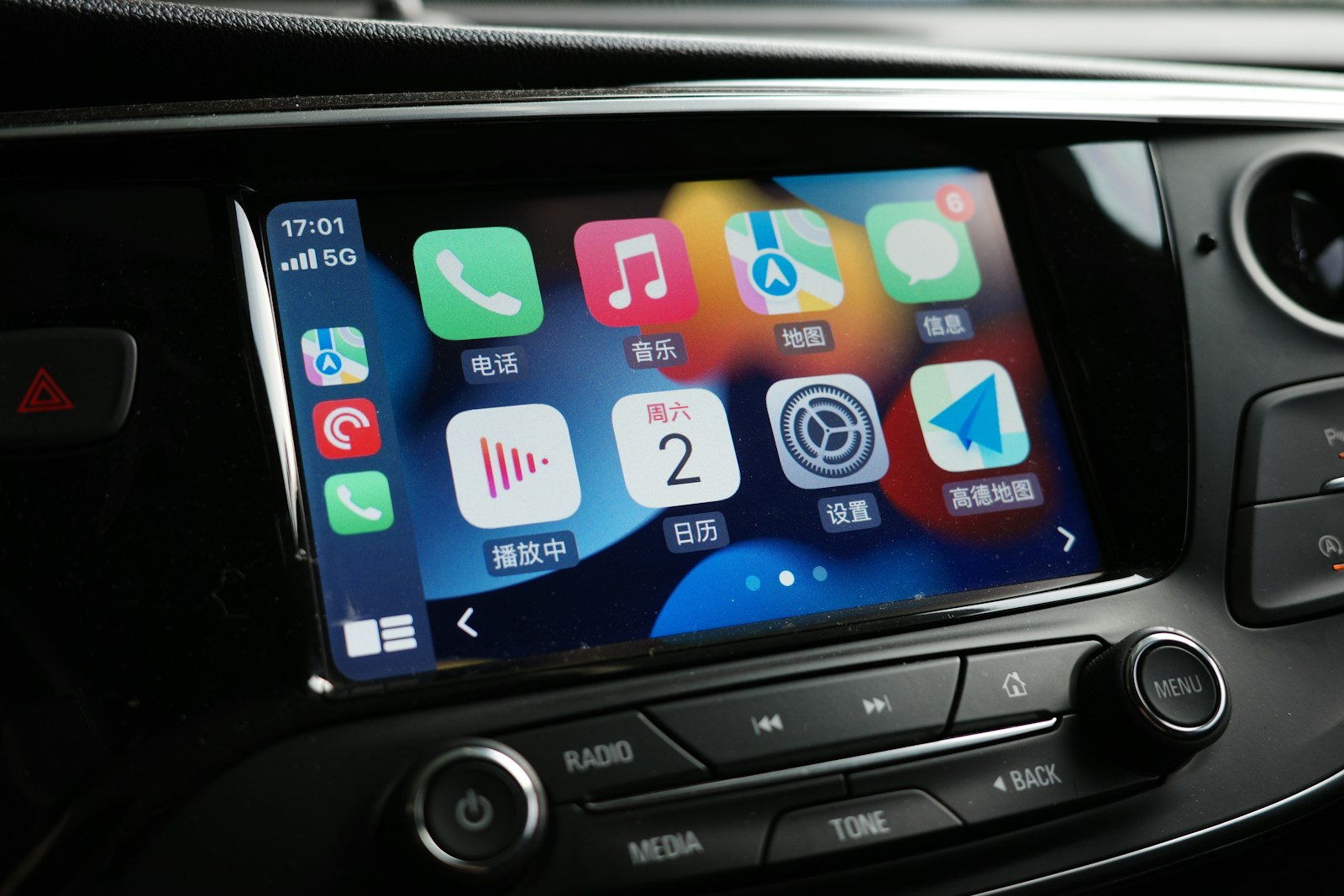
- Your CarPlay interface appears on the infotainment screen wirelessly.
From that point on, every time you start the car, your phone should connect on its own.
5 Best Wireless Apple CarPlay Adapters (Tried and Tested)
Here are some of the top-rated wireless adapters on the market today:
| Adapter | Price Range | Compatibility | Boot Time | Notable Feature |
|---|---|---|---|---|
| CarlinKit 3.0 | $60–$90 | Most wired CarPlay vehicles | ~10s | Trusted brand with OTA updates |
| Ottocast U2-X Pro | $100–$130 | Broad compatibility, even older models | ~8s | Dual support for Android Auto |
| Teeran Wireless Adapter | $50–$70 | Most newer cars with wired CarPlay | ~12s | Budget-friendly |
| Cplay2Air | $90–$110 | Wide range of supported models | ~10s | Easy plug-and-play setup |
| MA1 Wireless Dongle | $80–$100 | Google-developed (for Android Auto), but some CarPlay use cases | ~9s | Reliable connection |
Always double-check compatibility with your specific car model before buying. Even the best adapter won’t work if your system doesn’t support wired CarPlay to begin with.
Steps to Set Up Your Wireless CarPlay Adapter
- Turn on your car. Make sure your infotainment system is up and running.
- Plug the adapter into your USB port. Wait for it to power on (usually indicated by a light).
- Enable Bluetooth and Wi-Fi on your iPhone. These are essential for the connection to work.
- Pair your iPhone with the adapter. Look for the device name in your phone’s Bluetooth settings.
- Wait for the CarPlay interface to load. It may take a few seconds during the initial setup.
Once paired, the adapter should auto-connect every time you start your vehicle.
Common Mistakes When Using a Wireless Apple CarPlay Adapter
- Not checking compatibility: Some older car models with wired CarPlay still may not work with certain adapters.
- Leaving battery optimization settings on: iPhones may limit wireless activity to save battery, which can affect your connection.
- Using faulty USB ports or cables: A loose connection can interrupt the signal between the adapter and your car.
- Forgetting firmware updates: Some adapters, like CarlinKit, require occasional updates to maintain performance and support new iOS versions.
Pros and Cons of Wireless Apple CarPlay Adapters
Pros:
- Hands-free, cable-free convenience
- Quick pairing after first setup
- Works with existing infotainment systems
- Compatible with most iPhones and car models
Cons:
- Slightly slower boot time compared to wired CarPlay
- Occasional lag or disconnection (varies by brand)
- Pricier than a regular lightning cable
- May need firmware updates via computer
Real-World Example: Daily Use in a 2018 Honda Accord
A driver using a CarlinKit 3.0 adapter in a 2018 Honda Accord reports that setup took less than 5 minutes. After the initial pairing, their iPhone connected every time within 8–10 seconds after starting the engine. They experienced no dropouts on calls, and apps like Spotify, Waze, and iMessage worked flawlessly. However, they did note the adapter needs an occasional reset after iOS updates.
Who Should Buy a Wireless Apple CarPlay Adapter?
- Commuters who hate plugging in cables every day
- Uber/Lyft drivers looking for a cleaner dashboard
- Tech enthusiasts who want wireless everything
- Anyone with a car that has wired CarPlay but no native wireless support
If you’re someone who always forgets to plug in your phone or prefers minimal setup, this small device can make a big difference.
FAQ About Wireless Apple CarPlay Adapters
Do wireless Apple CarPlay adapters drain battery faster?
Yes, slightly. Since your iPhone uses both Bluetooth and Wi-Fi while connected, you may notice faster battery drain compared to a wired connection. Keeping a charger in your car is a good backup.
Can I use it with multiple iPhones?
Yes. Most adapters allow multiple iPhones to pair, but they’ll usually connect to the last paired device by default. You can manually switch in Bluetooth settings.
Will it work with any car?
No. Your vehicle must already support wired Apple CarPlay. If it doesn’t, these adapters won’t work.
Is the audio or screen quality worse over wireless CarPlay?
In most cases, no. Wireless CarPlay provides high-quality audio and screen mirroring. However, some users may experience slight delays in touch response depending on the adapter and vehicle.
Do I need to update the adapter?
Some brands like CarlinKit provide over-the-air (OTA) firmware updates. It’s a good idea to check occasionally, especially after major iOS updates.
Where to Buy Reliable Wireless CarPlay Adapters
Stick with trusted brands like CarlinKit, Ottocast, or Cplay2Air that offer solid customer service, firmware updates, and compatibility charts. Avoid unknown brands on marketplaces with no reviews or sketchy listings.
Many tech reviewers, including those from TechRadar and The Verge, recommend buying from official websites or authorized sellers on Amazon to avoid compatibility headaches.
Final Tips Before You Choose
- Check your car model and infotainment system version
- Read customer reviews specific to your vehicle
- Look for fast boot times (under 10 seconds is ideal)
- Make sure there’s a warranty or return policy
- Keep your iPhone updated to the latest iOS version
A wireless Apple CarPlay adapter may seem like a small upgrade, but it can completely change your driving experience by making it smoother and more convenient. Whether you’re taking daily commutes or long road trips, it’s a smart accessory for anyone who values simplicity and tech integration behind the wheel.
Let the cables stay in the glove box. Once you switch to wireless, it’s hard to go back.
Source: