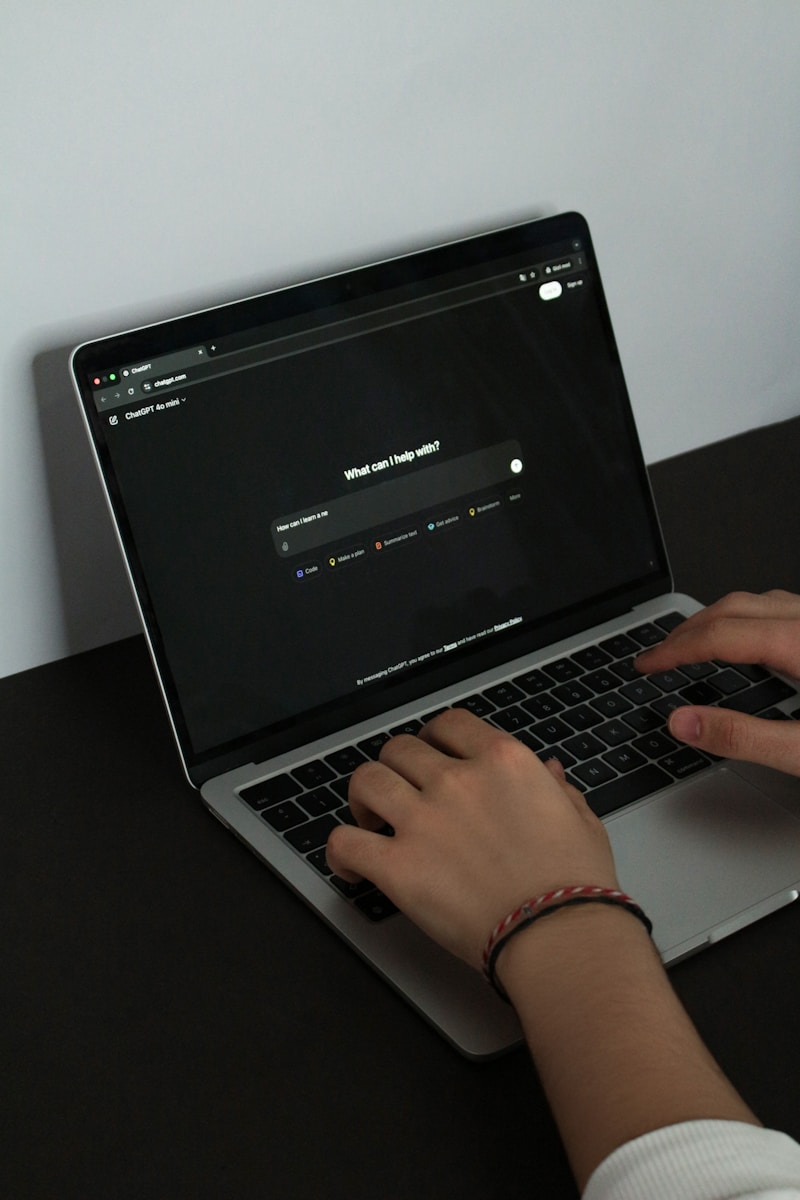
To understand how to cancel ChatGPT subscription plans, you simply need to access the settings menu of the platform where you first signed up. If you subscribed via the web, go to Settings > Data Controls > Manage Subscription and select Cancel. For those who signed up via mobile, you must manage the cancellation through your iOS App Store or Google Play Store subscription settings.
Life moves fast, and sometimes that $20 monthly investment in AI doesn’t fit the current budget or workflow. Whether you’re cutting back on expenses or just taking a break from the premium features, knowing how to cancel ChatGPT subscription tiers is essential to avoid unwanted charges. The process is generally straightforward, but because OpenAI allows sign-ups through various platforms, the steps can vary depending on whether you’re a desktop power user or a mobile-first fan.
Quick Steps to Cancel ChatGPT Subscription (Web Version)
If you usually use ChatGPT on your laptop or desktop, your billing is likely handled directly by OpenAI through Stripe.
- Log in to your account at chatgpt.com.
- Click on your Profile Icon or name in the bottom-left corner of the sidebar.
- Select Settings from the pop-up menu.
- Navigate to the Data Controls or Subscription tab (this can vary slightly by account version).
- Click on Manage Subscription.
- You will be redirected to the billing portal; click Cancel Plan and confirm your choice.
How to Cancel ChatGPT Subscription on iPhone or Android
Many users forget that if they upgraded via the mobile app, OpenAI doesn’t actually have the power to stop the billing—Apple or Google does. If you try to find a “cancel” button on the website and it’s missing, this is likely why.
For iOS Users:
- Open the Settings app on your iPhone or iPad.
- Tap your Apple ID (Name) at the top.
- Tap Subscriptions.
- Find ChatGPT in the list and select it.
- Tap Cancel Subscription and confirm.
For Android Users:
- Open the Google Play Store app.
- Tap your Profile Picture in the top right.
- Go to Payments & subscriptions > Subscriptions.
- Select ChatGPT and tap Cancel subscription.
A Comparison of Subscription States
Before you hit that final button, it’s helpful to know exactly what you’re losing and what you get to keep.
| Feature | ChatGPT Plus (Active) | ChatGPT Free (After Cancellation) |
| Model Access | Priority access to GPT-4o and o1 | Limited access to advanced models |
| Response Speed | Faster response times | Standard speed |
| DALL-E 3 | Unlimited image generation | Very limited or no access |
| Custom GPTs | Create and use custom GPTs | Limited usage of public GPTs |
| Data Analysis | Advanced data analysis included | Basic tools only |
Common Mistakes and Troubleshooting
The most frequent issue people face when learning how to cancel ChatGPT subscription services is the “Missing Button” syndrome. If you log in and don’t see a way to cancel, check if you have multiple accounts. It is very common to subscribe with a Google “Sign-in” but then try to cancel using a manual email/password login.
Another mistake is assuming that deleting your account cancels the subscription. According to the OpenAI Help Center, deleting your account is a permanent action, and while it usually stops billing, it’s much safer to cancel the subscription first to ensure the billing cycle is cleanly terminated. If you are looking for a refund because of a billing error, you must contact support directly through the chat widget on their site, as simply canceling does not automatically trigger a refund.
Pros and Cons of Staying on the Free Tier
While it’s great to save money, it’s worth weighing what your daily routine will look like without the Plus features.
Pros:
- Zero Cost: You save $240 a year.
- No Pressure: Use the AI only when you actually need it without feeling like you’re “wasting” a subscription.
- Account Retention: Your chat history remains intact even on the free tier.
Cons:
- Usage Caps: You’ll hit “limits” much faster during peak hours.
- Legacy Models: You might be restricted to older, less capable versions of the AI during high-traffic periods.
- Feature Loss: No more creating your own custom GPTs for specific tasks.
FAQs About Canceling ChatGPT
Will I lose my chat history if I cancel?
No. Your conversations are tied to your account, not your subscription status. When you move to the free tier, your history remains accessible.
Can I get a refund for a partial month?
Generally, OpenAI subscriptions are non-refundable. However, if you live in the EU or UK, you may be eligible for a refund if you cancel within the first 14 days of the billing cycle. You can find more details on regional consumer rights via the Official EU Consumer Protection page.
What happens if I cancel in the middle of the month?
You will continue to have “Plus” access until the final day of your current billing period. The system won’t kick you out the moment you click cancel.
Why is there no cancel button in my settings?
This usually means you subscribed through an app store (Apple or Google) rather than the website. You must use the subscription manager on your phone to end the plan.
Can I resubscribe later?
Absolutely. You can jump back into a Plus plan at any time. Your settings and custom GPTs (if you made any) will typically be waiting for you.