Key Takeaways
Effective video conference tips focus on three pillars: technical reliability, intentional environment design, and active engagement. By optimizing your lighting, stabilizing your internet connection, and mastering non-verbal cues, you transform a standard digital meeting into a high-impact professional interaction.
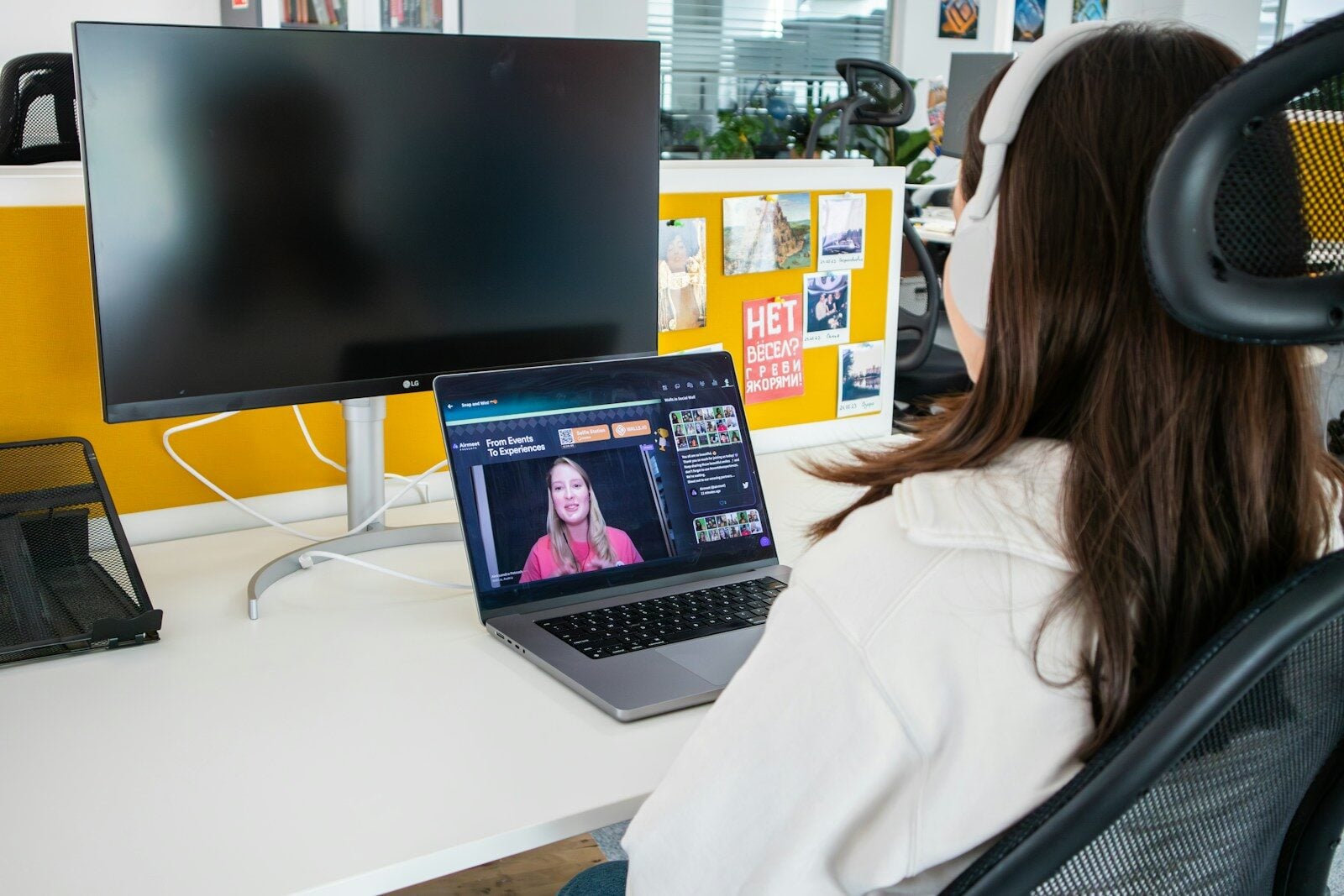
Remote work has shifted from a temporary workaround to a permanent fixture of our professional lives, making video conference tips more relevant than ever for anyone looking to maintain a competitive edge. Whether you are pitching a high-stakes project to a stakeholder or catching up with your internal team, the way you show up on screen speaks volumes about your professionalism and attention to detail.
We have all been there—the frozen screens, the “you’re on mute” echoes, and the awkward lighting that makes you look like you are broadcasting from a witness protection program. Navigating these digital waters doesn’t require a film degree, but it does require a bit of intentionality.
Setting the Stage: Environment and Tech
Before you even click the join link, your environment is doing a lot of the heavy lifting. A cluttered background or a grainy image can distract from the brilliant points you are making.
Optimize Your Lighting
Lighting is perhaps the most underrated element of a successful call. Always aim for a natural light source facing you. If your desk faces a window, you are in luck. If the window is behind you, you will appear as a dark silhouette. If natural light isn’t an option, a simple ring light or even a desk lamp placed behind your monitor can create a clear, professional image.
Audio Quality is Non-Negotiable
People will forgive a slightly blurry video, but they will not forgive bad audio. Internal laptop microphones tend to pick up every keystroke and fan whir. Using a dedicated headset or a plug-and-play USB microphone ensures your voice remains the focal point.
Essential Video Conference Tips for Every Meeting
To ensure you stay ahead of the curve, follow these actionable steps to refine your digital presence.
- Test your tech early: Five minutes before the meeting, launch your software to check for “required updates” that always seem to appear at the worst time.
- Elevate your camera: Your camera should be at eye level. If it’s too low, your colleagues are looking up your nose; too high, and you look diminished. Use a stack of books if you don’t have a laptop stand.
- Dress for the job: Even if you are at home, dressing professionally helps shift your mindset into “work mode” and signals respect to your audience.
- Master the mute button: Background noise is inevitable—dogs bark, sirens wail. Stay on mute unless you are speaking to keep the audio channel clean.
- Look at the lens: When you speak, look at the camera hole, not at yourself on the screen. This mimics eye contact and makes the person on the other end feel truly seen.
- Hardwire your internet: If your Wi-Fi is spotty, an Ethernet cable is a cheap investment that prevents the dreaded “connection unstable” pop-up.
- Declutter your digital space: If you are sharing your screen, close unnecessary tabs and turn off desktop notifications to avoid embarrassing personal messages popping up mid-presentation.
Navigating the Human Element
The technology is just the vehicle; the real work happens through communication. According to research from the Harvard Business Review, the lack of physical cues in virtual settings means we have to work harder to project warmth and competence.
Body language still matters. Lean in slightly to show interest and use hand gestures within the frame of the camera. These small movements help convey energy that often gets lost in translation through a fiber-optic cable.
Common Mistakes to Avoid
- The “Shadow Face”: Sitting with a bright window directly behind you.
- The “Ghoster”: Turning your camera off without explanation in a small, collaborative meeting.
- The “Multitasker”: Thinking people can’t tell you are answering emails. Your eye movement and the glow of your screen usually give you away.
Choosing the Right Approach: A Quick Comparison
Different meetings require different levels of preparation. Here is how to gauge your effort:
| Meeting Type | Priority Level | Tech Requirement | Background Vibe |
| Internal Sync | Medium | Standard Laptop Kit | Casual/Tidy |
| Client Pitch | High | External Mic + Lighting | Professional/Neutral |
| Webinar/Keynote | Extreme | Hardwired + 4K Camera | Studio Quality |
Pros and Cons of Virtual Meetings
While we often complain about “Zoom fatigue,” there are clear trade-offs to consider when comparing video conferencing to in-person sessions.
Pros
- Reduced Overhead: No travel time or expensive office rentals for regional teams.
- Inclusivity: Features like live captioning and chat functions allow different communication styles to flourish.
- Efficiency: Features like screen sharing and instant document collaboration speed up the workflow.
Cons
- Technical Friction: Software glitches can derail the momentum of a brainstorm.
- Screen Fatigue: Staring at a grid of faces is cognitively more taxing than sitting in a room together.
- Missing Cues: You lose out on the “water cooler” talk that often builds rapport.
Advanced Video Conference Tips for Leaders
If you are the one hosting the meeting, the pressure is on to manage the “room.” A study by Stanford University highlights that “Zoom Fatigue” is a real psychological phenomenon caused by excessive close-up eye contact and the constant self-evaluation of seeing your own face. You can explore the Stanford study details here.
To combat this as a leader, try these practical examples:
- The “No-Meeting” Wednesday: Give your team a break from the camera to focus on deep work.
- The “Check-In” Buffer: Spend the first three minutes talking about anything but work to build the human connection that technology often strips away.
- The “Camera-Optional” Policy: For large town halls where the team is just listening, let them turn their cameras off to reduce cognitive load.
The Security Factor
Security is a major pillar of any list of video conference tips. Using passwords for your meetings and “waiting rooms” prevents uninvited guests from joining. This is especially vital for sensitive project discussions or HR-related calls. Ensure your software is always updated to the latest version to patch any vulnerabilities that hackers might exploit.
Mastering the Follow-Up
The meeting isn’t actually over when you click “End Call.” A professional follow-up is part of a great video conferencing strategy. Send a quick summary of the action items discussed. If the meeting was recorded, share the link for those who couldn’t attend or for future reference. This closes the loop and ensures that the digital interaction leads to real-world results.
Frequently Asked Questions
How can I stop looking at myself during a call?
Most platforms allow you to “Hide Self View.” This is a game-changer for focus. You stay on camera for everyone else, but you don’t have to worry about how your hair looks for 60 minutes straight.
What is the best background for a professional look?
A simple, organized bookshelf or a neutral-colored wall works best. If your room is messy, use a “blurred” background rather than a distracting “beach” or “space” virtual background, which can often look glitchy around your shoulders.
How do I handle a connection lag during a presentation?
If your audio starts cutting out, turn off your video temporarily. This frees up bandwidth for your voice and the screen you are sharing. Apologize briefly, finish your point, and then try turning the video back on.
Is it okay to eat during a video conference?
Generally, no. Unless it is a designated “lunch and learn” or a very casual team social, eating on camera is distracting and can be noisy if your mic is sensitive. Coffee or water is perfectly acceptable.
How long should a video conference ideally last?
Attention spans drop significantly after 45 minutes on camera. Aim for 30-minute blocks, and if a meeting must go long, build in a 5-minute “bio break” for everyone to stretch and look away from their screens.
By implementing these video conference tips, you aren’t just surviving another meeting—you are building a personal brand that reflects competence, respect, and technological fluency. The digital landscape is here to stay, so you might as well look and sound your best while navigating it.